ADMINS: Required Questions for User Groups
In your Organizations Admin Settings page, there is a panel for a managing questions you require from your users. The questions established can target 4 types of users in your system: CEU Holders creating new accounts connected to your organization, CEU Holders submitting applications for approval into your system (if allowed), CEU Providers submitting applications into your system, or registered Users that wish to apply to be an official Reviewer in your system.
The questions and responses can have a wide ranging breath of topics, to meet the organizations needs.
These questions will appear at the appropriate time in the user's workflow, and they are required to submit answers to proceed. Their answers are available in course credit application viewing areas or on your Admin panel. See below for examples.
CEU Holder Account Questions:
These questions appear when a user is trying to make a CEU Holder connection to your Organization. In order to complete the connection, they must answer the questions created. Here is an example question list for the Demo Association:
CEU Holder Submission Questions:
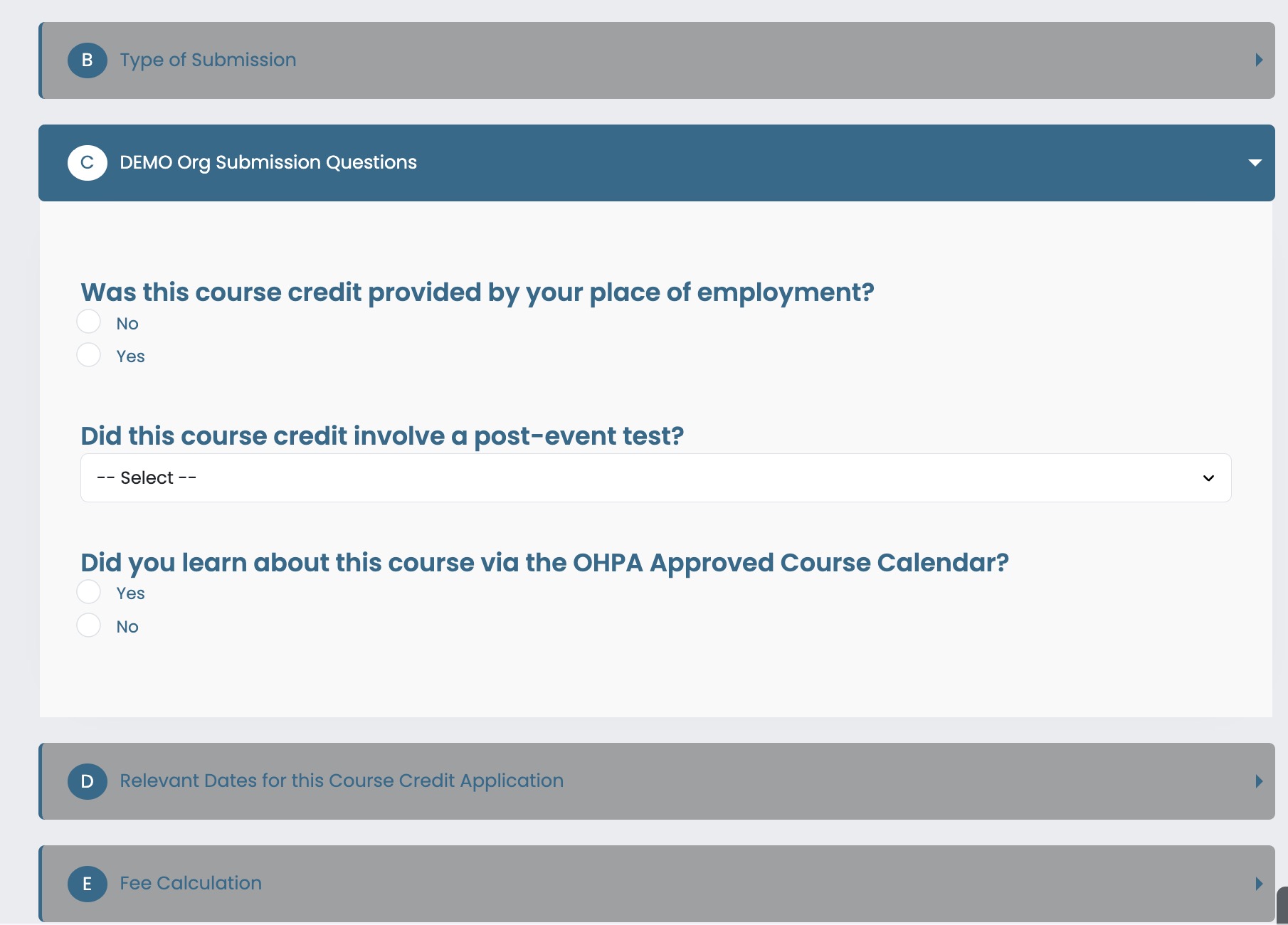
These questions appear when a CEU Holder is submitting their course credit application into your system (if allowed). The answers to these required questions in the submission pathway will appear for administrators and reviewers to inspect the answers.
Examples Questions from Demo Organization Holder submission path:
CEU Provider Submission Questions:
These questions appear when a CEU Provider is submitting a course credit application into your system. The answers to these required questions in the submission pathway will appear for administrators and reviewers to inspect the answers when evaluating the application.
Examples Questions from Demo Organization Provider submission path:
Potential Review Qualification Questions:
These questions appear in the CEU Holder Settings area when a user is connected to your Organizations.
Answering these questions is optional for your CEU Holders, but if they do complete these answers, then their name and account will appear in your Admin panel User Accounts area for "Find New Reviewers"